Market data, development and operations of Webull’s website/application are provided by Webull Technologies Pte. Ltd. (“Webull”).
Financial products and services are offered to self-directed customers by Webull Securities (Malaysia) Sdn Bhd (“Webull Securities”) (202101039706 (1440006T)) , a Capital Markets Services License (CMSL) holder under the Capital Markets and Services Act 2007, licensed and regulated by the Securities Commission of Malaysia.
Webull and Webull Securities are separate entities under common ownership.
The content on Webull’s website/application may contain advertisements, and the advertisement has not been reviewed by the Securities Commission of Malaysia. No content on this website/application or affiliated websites/applications shall be considered as a recommendation or solicitation for the purchase or sale of securities, derivatives or any other investment products.
All information and data (collectively “Data”) on this website/application are for reference only and no historical data should be considered as the basis for predicting future trends. Information provided is for informational purposes only, unless otherwise stated. Data disclaimers are set forth in the Webull Data Disclaimer. Investors should be aware that system response, execution price, speed, liquidity, market data, and account access times are affected by many factors, including market volatility, size and type of order, market conditions, system performance and other factors.
Distribution of investment products to, or services offered to, any person is not intended in any jurisdiction where such distribution or use would contravene prevailing laws or regulations. Services are only intended for persons in jurisdictions or countries where it is legal for such persons to receive them.
Any advice or recommendation is intended for general circulation and does not take into account the specific investment objectives, financial situation, or particular needs of any particular person. Please seek advice from a professional financial adviser regarding the suitability of the investment product before investing. Tools provided by Webull may provide general analysis upon your input but shall not be construed as providing investment advice or recommendation.
All investments involve risks and are not suitable for every investor. The value of securities may fluctuate and as a result, clients may lose more than their original investment. Margin trading increases the risk of loss and clients’ losses may exceed the deposits placed. The past performance of a security or financial product does not guarantee future results or returns. Keep in mind that while diversification may help spread risk it does not assure a profit, or protect against the loss, in a down market. There is always the potential of losing money when you invest in securities or other financial products. Investors should consider their investment objectives and risks carefully before investing.
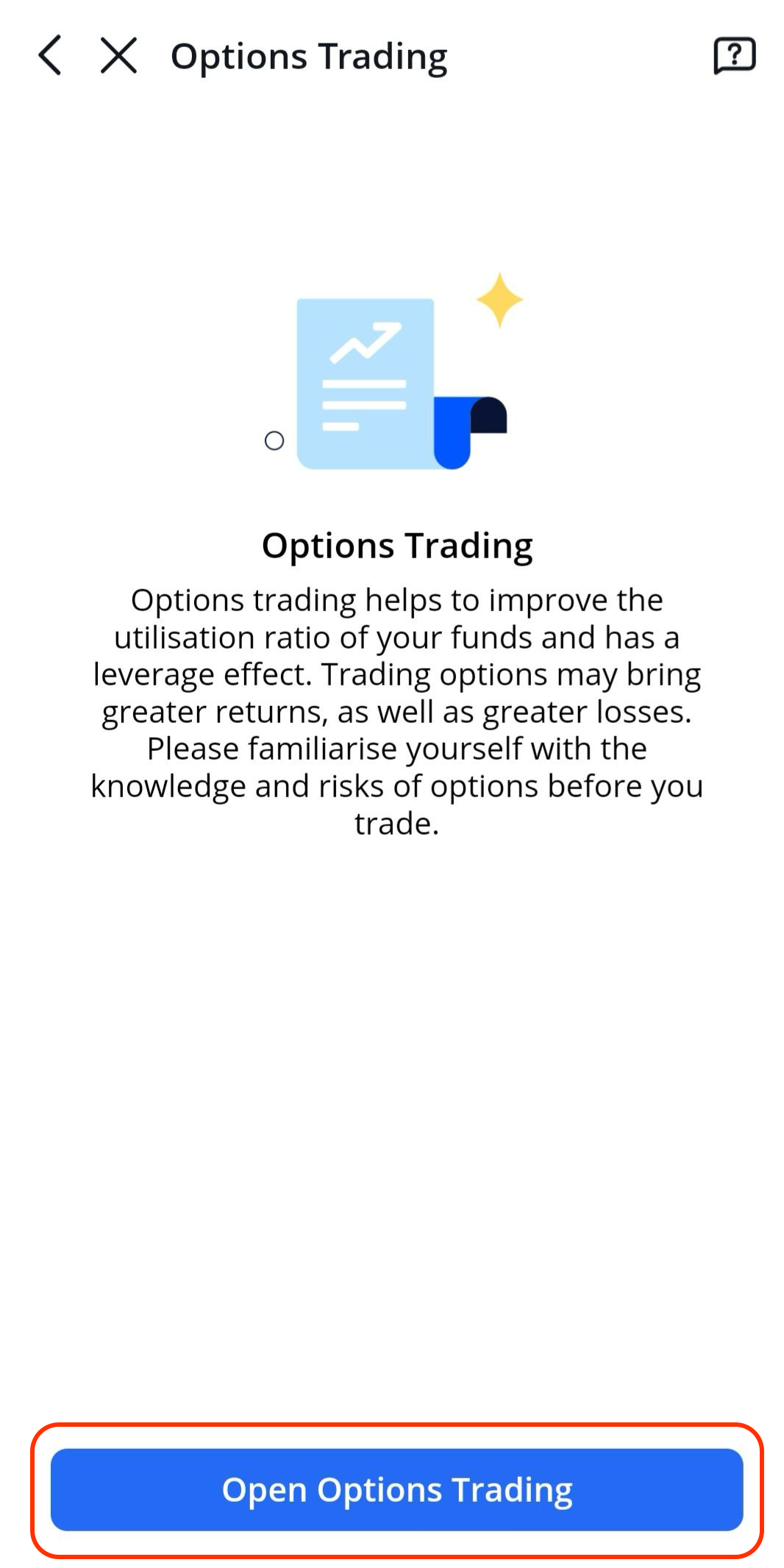
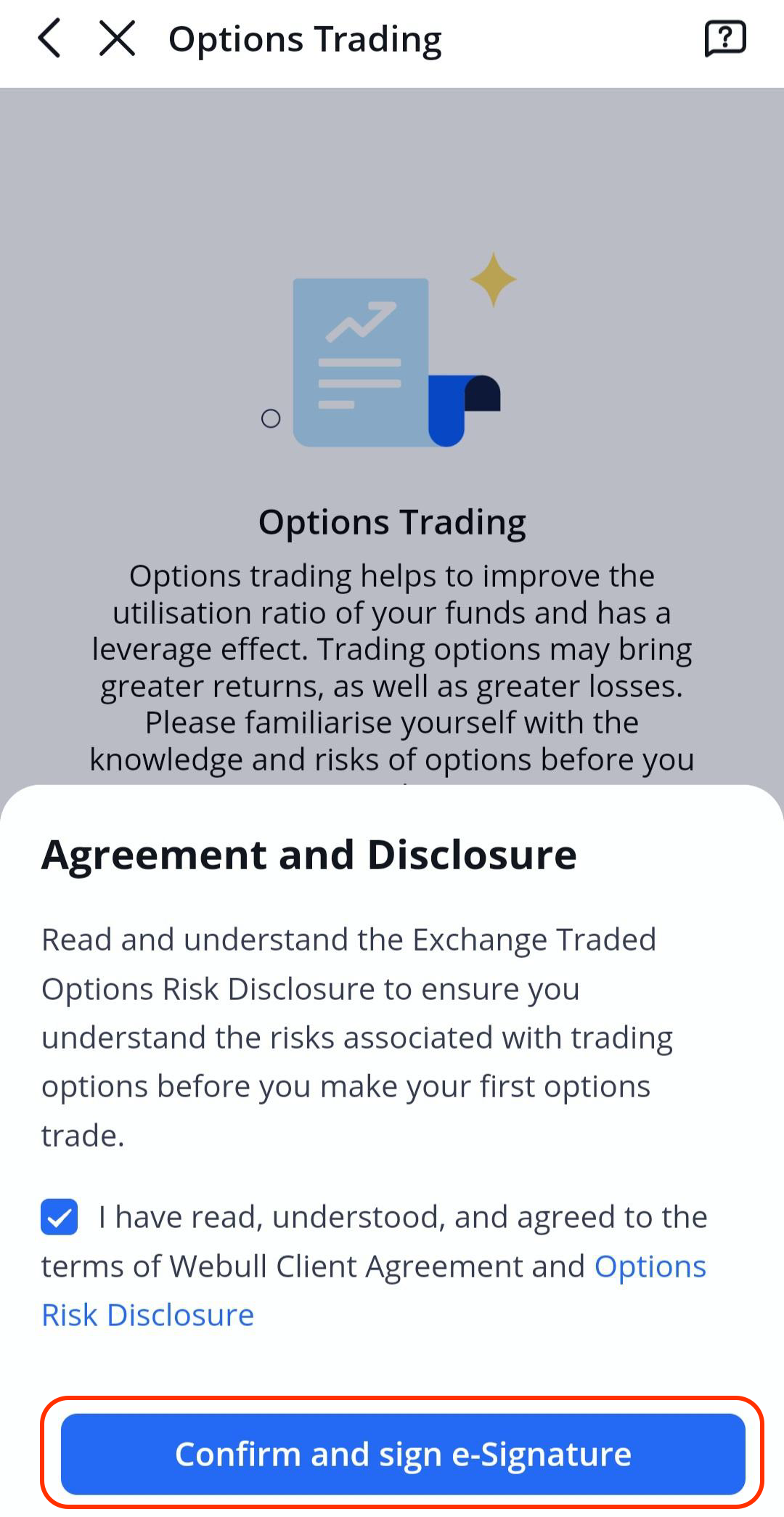
Options trading involves significant risk and is not suitable for all investors as investors may be exposed to potentially rapid and substantial losses. Please read and understand the Exchange Traded Options Risk Disclosure before investing in Options.
Relevant regulatory and exchange fees may apply. Please refer to our Pricing for more details.
Please note that information contained on this website/application cannot be copied, modified, published, distributed or reproduced in whole or in part without the prior written consent of Webull. Where hyperlinks are available to third-party websites/applications, they are independent of Webull and the use of such links are at your own risk. Webull accepts no responsibility and shall not be liable for any loss or damage caused by or in connection with the use of or reliance on any content, goods or services available on or through any third-party websites/applications.
The content on Webull’s website/application may be translated into other languages. Where such a translation is made, this English version remains definitive. If there are any discrepancies between the English version and any version of the content in another language, the English version shall prevail.